ATLAS vs COBB Accessport
Computer-based ATLAS calibration tools or a dedicated COBB handheld: compare support, complete cost and everyday workflow.
Verdict
Choose by exact ECU/calibration-provider support, features and workflow. Include computer, adapter, power and tuning/feature fees in ATLAS costs. Accessport standalone convenience differs from ATLAS logging, which requires an eligible custom calibration.
Two different propositions
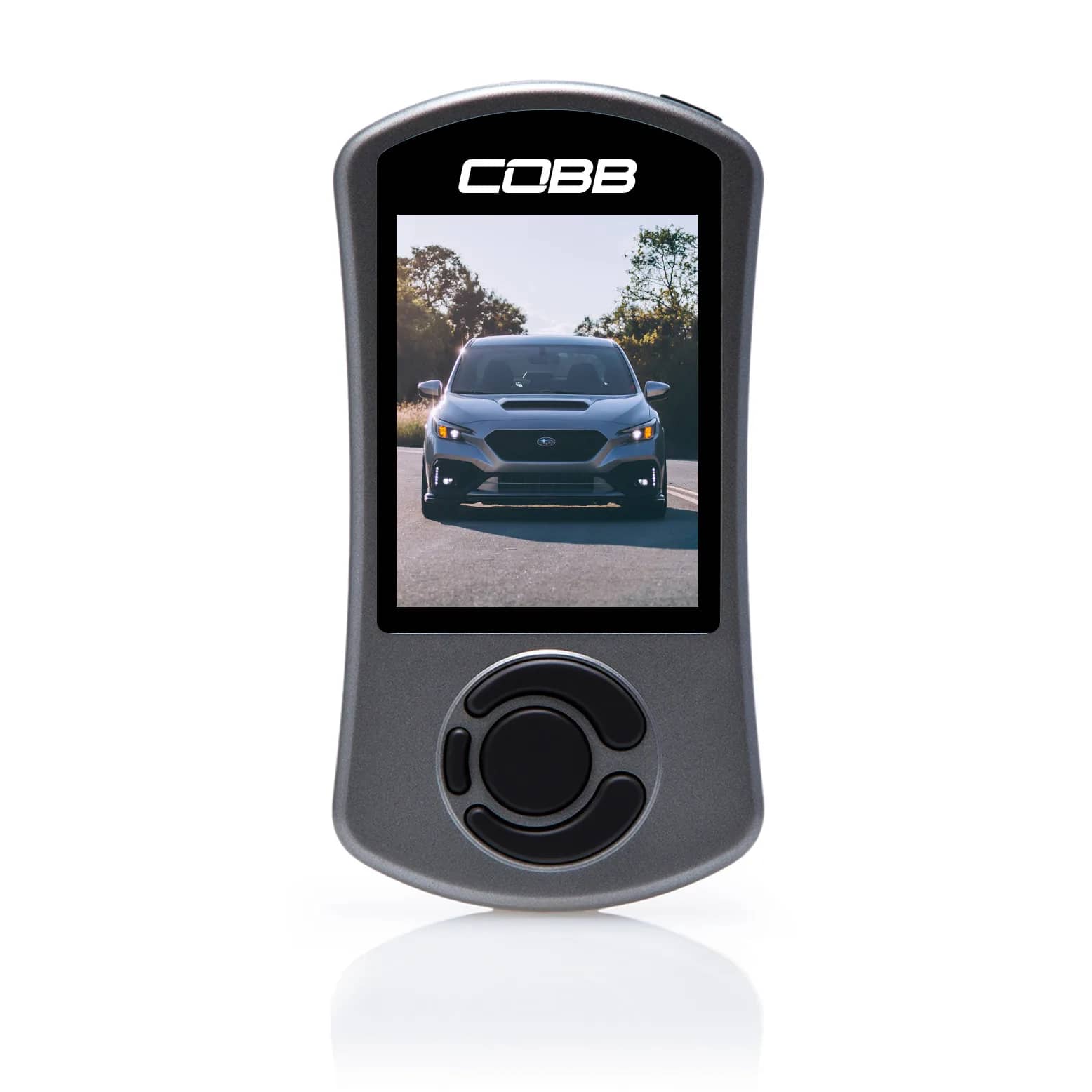
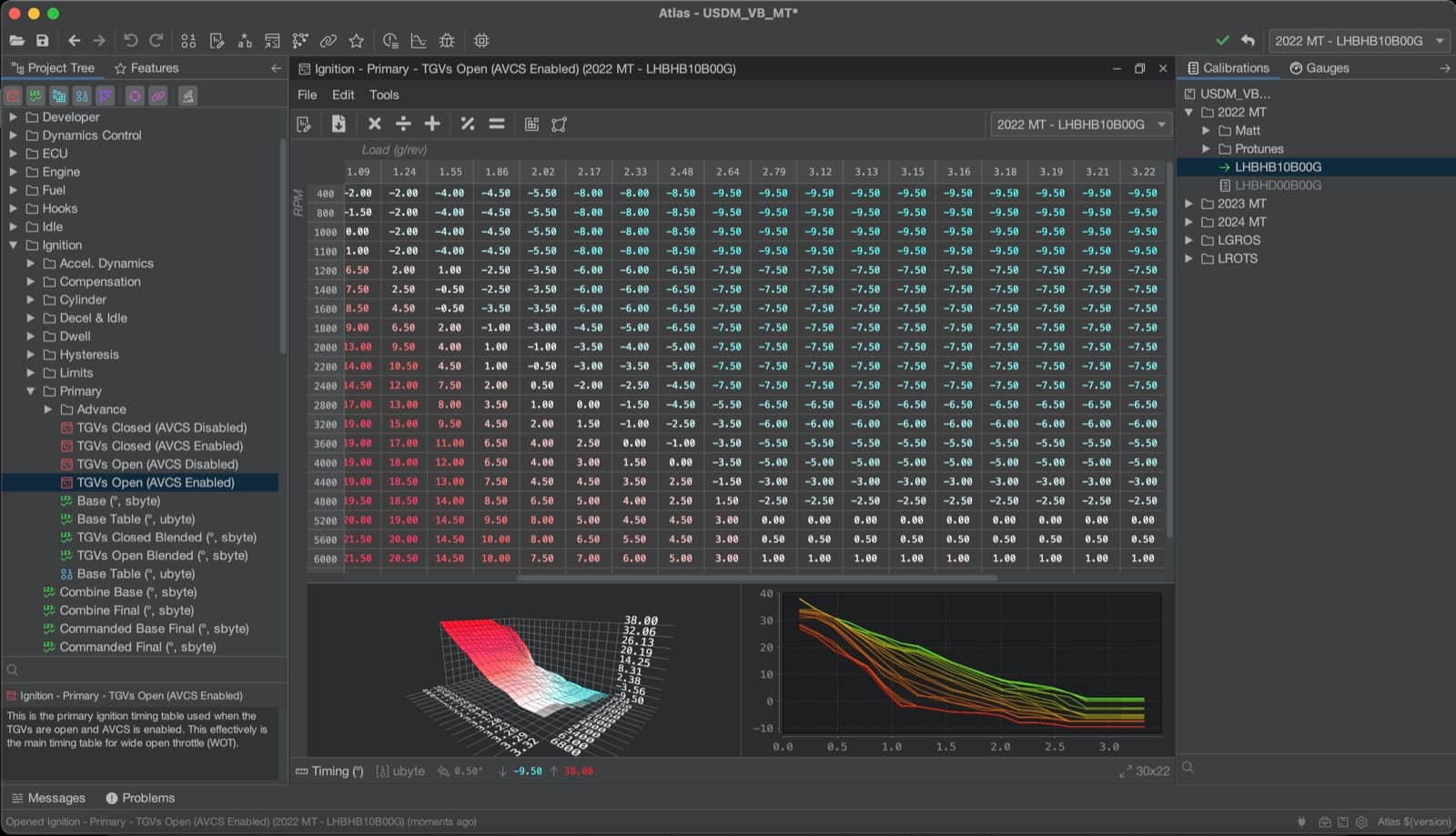
**COBB Accessport.** A dedicated handheld supplies supported flashing, gauges, logging and map management without a laptop for those in-car operations. Installation pairs it to a vehicle until the documented Uninstall process. Choose the correct device/application and exact map notes. **ATLAS.** ATLAS is closed-source software available free for personal, noncommercial use. Hardware, computer access, power support, professional tuning and premium features can add costs. Commercial tuning has separate licensing and vehicle-credit rules; a tuner’s license does not establish support for every vehicle or map. It runs on supported computer platforms through a listed OBD adapter, with direct table editing, compatible realtime controls and a custom-feature designer. Since ATLAS 2026.1, datalogging requires a supported non-OEM custom calibration flashed directly with ATLAS 2026.1 or later. An untouched OEM calibration, an OEM restoration, or a COBB/other third-party tune is not eligible. Newly added parameters can require another compatible flash. Both paths require suitable fuel, hardware and calibration. A business supporting both platforms does not establish direct map-file compatibility or that every product it sells is offered on each platform. Sources: COBB Subaru manual: https://cobbtuning.atlassian.net/wiki/spaces/PRS/pages/96579335/V3+Accessport+Subaru+User+Manual NAMR FAQ: https://motorsportsresearch.org/faq 2026.1 logging and OEM rules: https://motorsportsresearch.atlassian.net/wiki/spaces/ATLAS/pages/101679105 NAMR commercial licensing: https://motorsportsresearch.atlassian.net/wiki/spaces/ATLAS/pages/483688456
The cost comparison, honestly
Compare the complete current quotation, not free software against a fixed device price. **ATLAS costs:** compatible computer access, a flashing-supported adapter, programming power support, any professional calibration/revisions, paid features and applicable commercial licenses. Existing equipment can reduce what an individual needs to buy. **Accessport costs:** the correctly supported handheld/application, programming power support and any separately purchased calibration or hardware. Included map availability does not establish compatibility with every car. COBB’s product page displayed a regular $770 price and $693 promotional price when checked October 21, 2026. That promotion is time-limited; use the current product page when budgeting. We do not use either figure as a universal price difference. The Accessport buys a dedicated in-car display and standalone flashing. ATLAS’s computer workflow, logging eligibility, feature licenses and tuner availability must be priced and assessed separately. Sources: COBB Accessport application and price: https://www.cobbtuning.com/products/accessport/subaru-accessport-v3-wrx-6mt-cvt-2022-2026/ NAMR FAQ: https://motorsportsresearch.org/faq NAMR commercial licensing: https://motorsportsresearch.atlassian.net/wiki/spaces/ATLAS/pages/483688456 NAMR installation requirements: https://motorsportsresearch.atlassian.net/wiki/spaces/ATLAS/pages/30408705
Related Questions
Community FAQ
atlas
Is ATLAS an alternative to the COBB Accessport for the WRX?
Yes, for supported ECUs and calibrations. Compare ATLAS’s computer/adapter workflow and eligible post-flash logging with the Accessport’s dedicated handheld, supported maps and monitoring—not just software versus device price.
Read answer →
atlas
Is ATLAS really free to use for tuning a WRX?
The closed-source ATLAS application is free for personal, noncommercial use. Adapters, power support, professional tunes, premium features and commercial licensing can cost extra.
Read answer →
atlas
What do I need to use ATLAS on my 2022+ WRX?
A supported computer, NAMR account, current software/definitions, compatible ECU and calibration, a flashing-supported adapter with suitable firmware, and stable vehicle/computer power. Check support before buying or flashing.
Read answer →
atlas
What OBD adapter should I use with ATLAS on a 2022+ WRX, and can I use an OBDLink?
Continue reading
Related Guides
ATLAS
ATLAS Tuning Guide for the 2022+ WRX
Free personal-use software with direct calibration tools; exact ECU, release and feature support still need checking.
Read guide →
ATLAS
How to Get Started With ATLAS
Verify support, identify the ECU, select the calibration, prepare and flash, then log when eligible.
Read guide →
Tuning
WRX VB Tuning Guide
How to choose the right tuning path before you buy parts, flash a map, or chase power.
Read guide →