ATLAS Tune Workflow
The loop that turns a stock car into a finished tune, in the order that keeps it interpretable.
Verdict
Baseline first, one change at a time, log the driving you actually do, and flash a finished map when the numbers stop moving. The discipline matters more than the tuning knowledge.
Stage one: establish what normal looks like
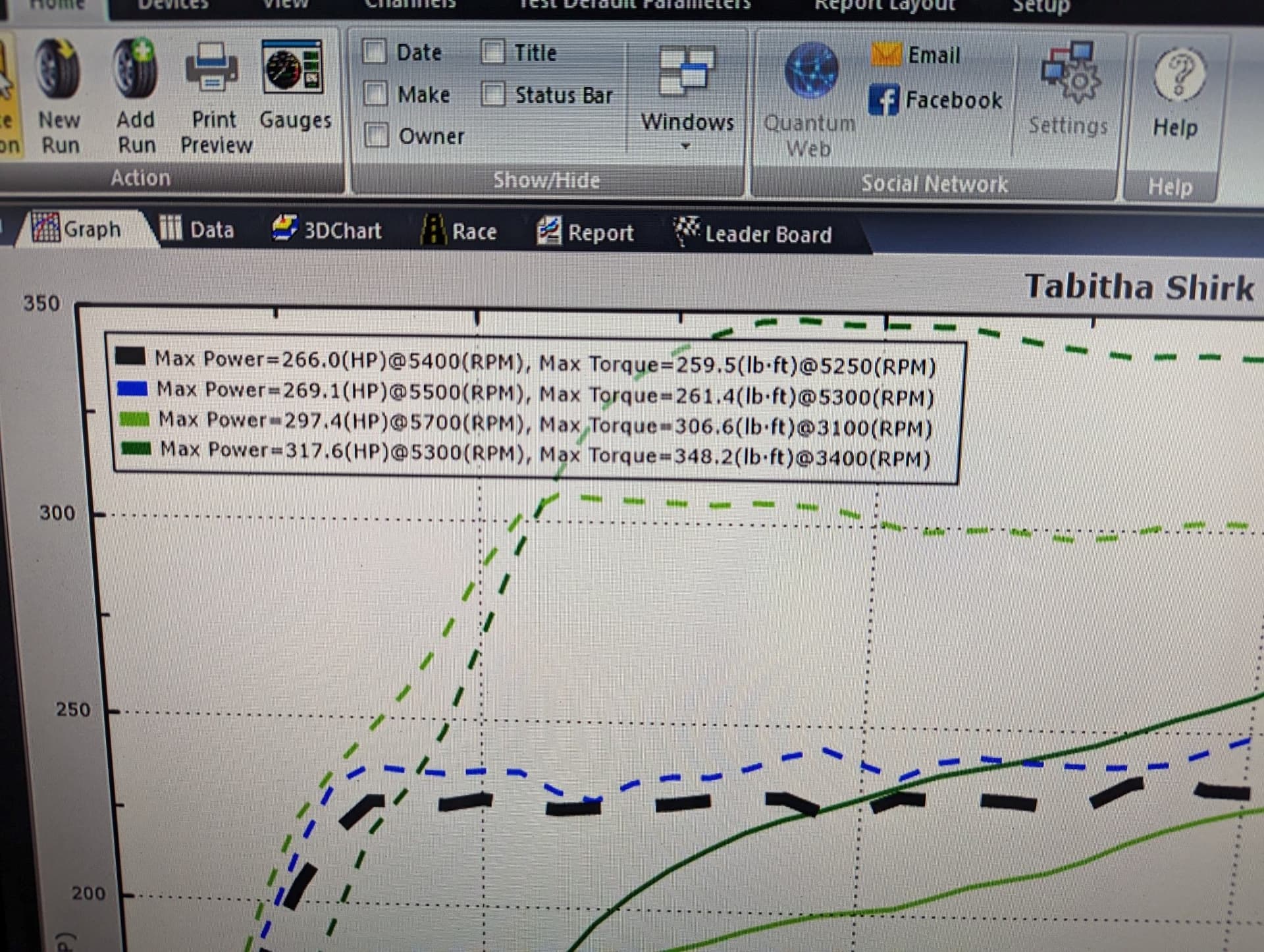
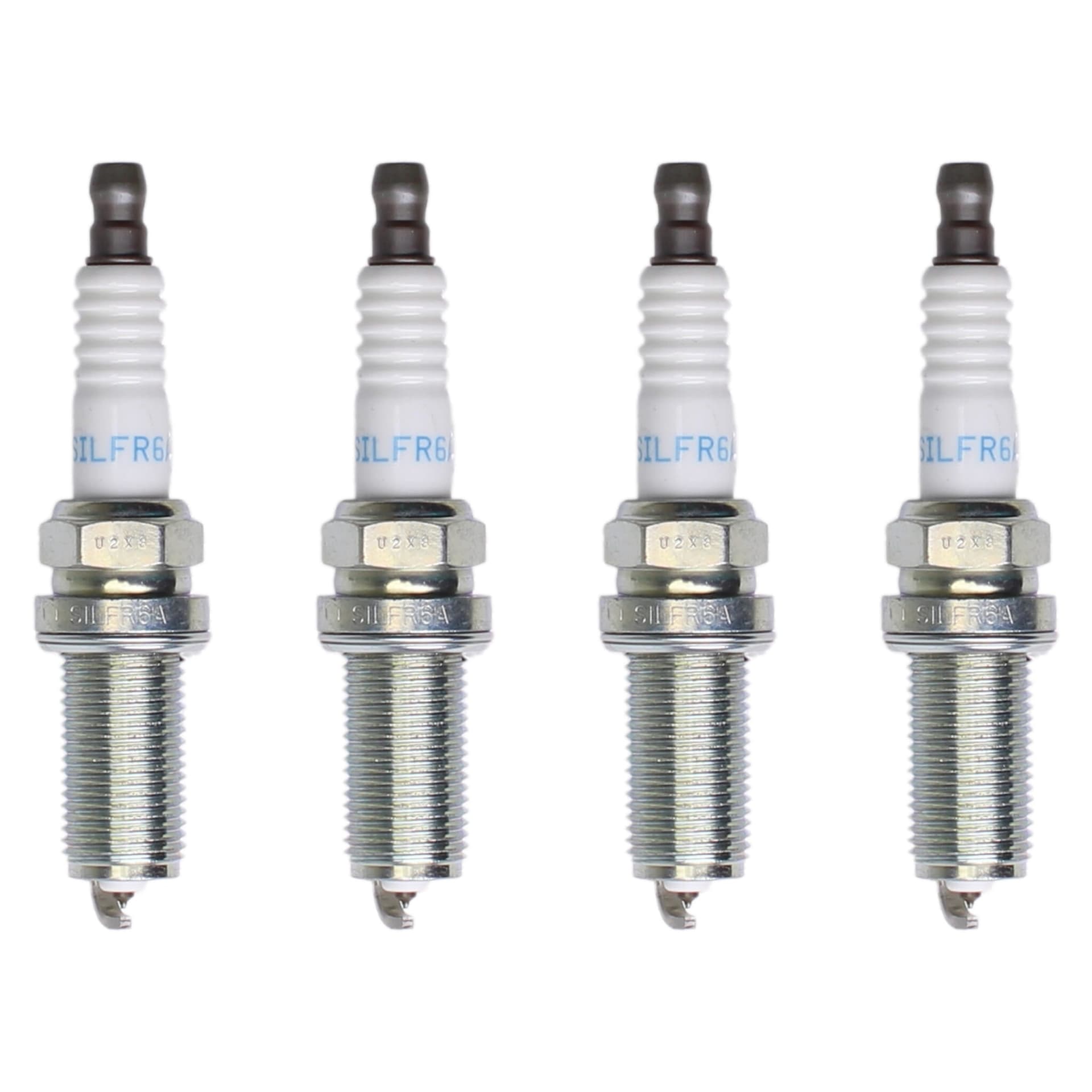
Before anything changes, log the car as it is. This is the step most often skipped and the one that makes everything afterward interpretable. Without a baseline you are comparing a modified car against a memory, and memory is a poor instrument. What you want from a baseline session: knock behaviour on the stock map, how boost builds and holds, what fuel corrections look like, how long oil actually takes to reach temperature on your commute, and what intake air temperature does on a warm day. Drive normally and drive the routes you actually use. A baseline of a car being driven unrepresentatively is not a baseline. While you are here, confirm the car is mechanically honest. A boost leak, tired plugs or an existing fault will distort everything that follows, and a tune written on top of a fault is a tune written around a fault. If boost falls short of target on the stock map, chase that before you write anything - the charge pipe couplers and intercooler clamps are the usual suspects on this platform. Check the current Atlas workflow before planning a baseline: beginning with Atlas 2026.1, the datalogger only supports non-factory custom calibrations flashed directly by Atlas, and newly added loggable parameters may require another flash. Logging records ECU values, but it is not a zero-risk promise and it does not replace mechanical inspection or qualified log review.
Stage two: the first flash
With a baseline recorded and a factory file backed up, flash something known-good. For most people that means a prepared map matching your hardware, or a map from a tuner. Starting from a validated map rather than editing your stock file blind is the sensible path even if you intend to develop your own - you want a running, safe car as the foundation for iteration. Run the pre-flash checks: current ATLAS version, charger connected, electrical loads off, laptop sleep disabled, factory file saved. Then flash and leave it alone. Afterward, log again immediately. You are confirming the car does what the map intended - boost reaching target, sensible fuel corrections, knock behaviour normal for your conditions. Compare against the baseline you just took, which is exactly what the baseline was for. Drive it for a week before changing anything. This sounds like wasted time and it is not. You are learning how the car behaves across conditions - cold mornings, hot afternoons, traffic, open road - and building the familiarity that lets you notice when something is off later. A meaningful number of owners discover at this point that they are finished. A good map on matching hardware is a legitimate destination, not a waypoint.
Related Questions
Community FAQ
tuning
What parameters should I monitor when datalogging a WRX with ATLAS?
Use the gauge set and parameters requested by your tuner or calibration provider. Knock, boost target/actual, fueling, temperatures, RPM/load, throttle, and DTC context can all matter; no five values diagnose the engine by themselves.
Read answer →
tuning
Do I need a professional tuner to use ATLAS, or can I tune the WRX myself?
You can absolutely tune it yourself - ATLAS is built for that. Whether you should depends on how much you want to learn, and a hybrid approach works well.
Read answer →
tuning
What is realtime tuning in ATLAS, and is it different from normal flashing?
Yes, genuinely different. You select tables to live-tune on the running car and changes take effect immediately, instead of flashing, driving, flashing again for every adjustment.
Read answer →
tuning
What should I check before flashing my WRX with ATLAS for the first time?
Continue reading
Related Guides
tuning
ATLAS Tuning Guide for the 2022+ WRX
Free, open-source, and genuinely deep. The complete picture of what ATLAS does and who it suits.
Read guide →
tuning
WRX ATLAS Datalogging Guide
Logging everything teaches you nothing. Five parameters answer most real questions.
Read guide →
tuning
ATLAS Realtime Tuning Guide
Change a value and feel it immediately, instead of flashing between every adjustment.
Read guide →