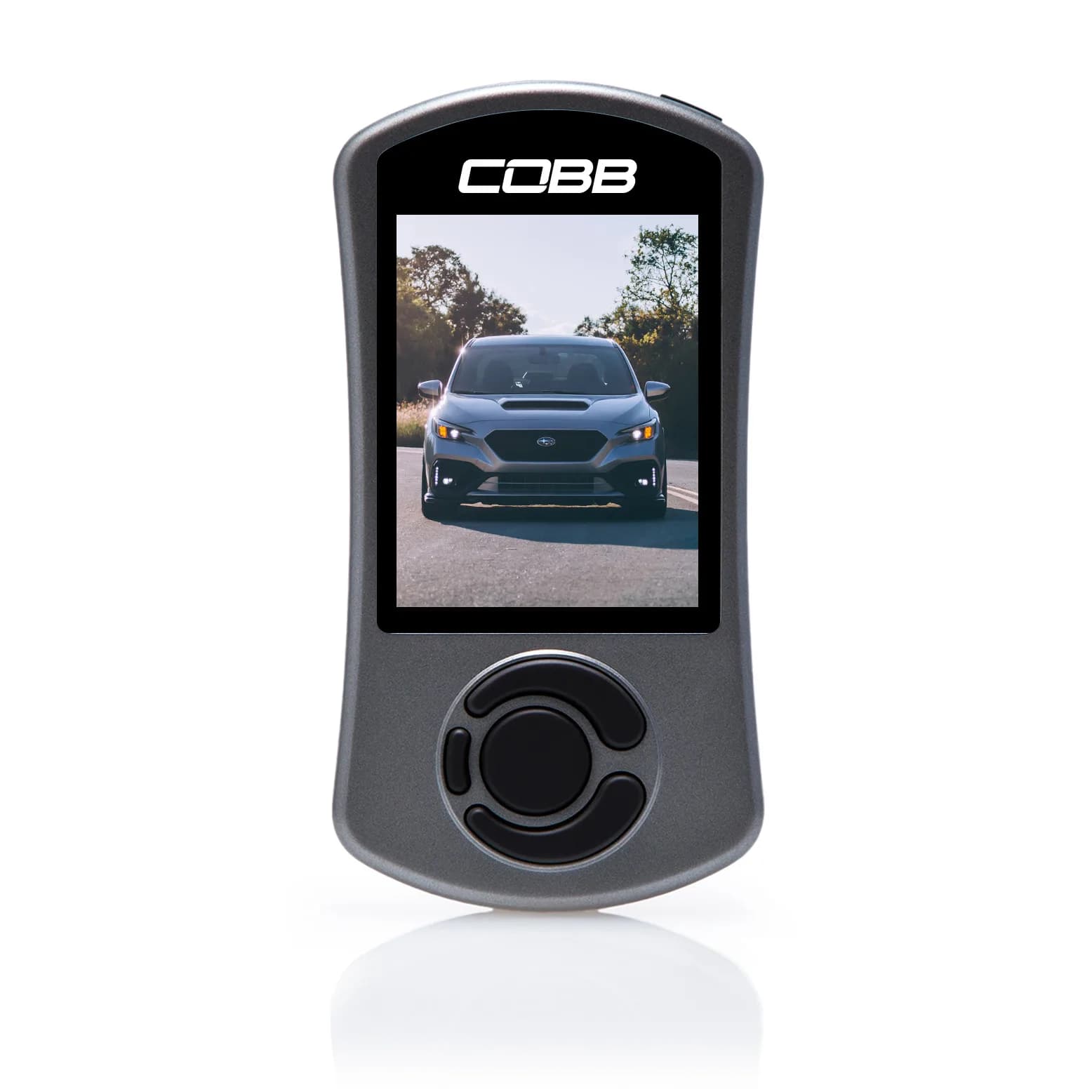
WRX ATLAS Datalogging Guide
Logging everything teaches you nothing. Five parameters answer most real questions.
Verdict
Log knock monitors, boost target versus actual, fuel corrections, oil temperature and intake air temperature. Record third or fourth gear pulls plus normal driving, and read patterns rather than single readings.
Why logging beats guessing
Almost every question owners ask about their car has an answer sitting in a datalog. Is it knocking? Is it making its boost target? Is the intercooler heat soaking? Is the car actually warm enough to use? All of that is measured continuously and most owners never look. Datalogging with ATLAS writes nothing to the ECU. It reads data the car is already producing. That means it carries none of the risk of flashing, and it is the ideal thing to do first - before any tune, on a completely stock car. The stock baseline is the part people skip and later wish they had. Knowing what your knock monitors, boost curve and oil temperature look like on the factory map is what makes a later change interpretable. Without it, every observation after a tune is compared against a vague memory of how the car used to feel. So the first useful log is of an unmodified car doing ordinary things. It takes one drive and it pays off for as long as you own the car.
The five parameters that matter most
You can log dozens of channels. Start with these. **Knock monitors.** Dynamic Advance Multiplier, Feedback Knock Correction and Fine Knock Learning. Together they tell you what the ECU is hearing and how it is responding. This is the group that indicates whether the engine is happy, and it is the one to check first in any log. **Boost, target and actual.** Log both. The gap between them is one of the most diagnostic things available. A car that consistently falls short of target is usually reporting a boost leak rather than a tuning problem, and the charge pipe couplers are the usual suspects on this platform. **Fuel corrections and air-fuel ratio.** Whether the engine is receiving the mixture the map intended. On 2022+ cars ATLAS exposes an AF Correction 3 Adder monitor, giving a high-precision view of the AFR adder to the closed loop fuel target from fuel trim - more sensitive than watching AFR alone. **Oil temperature.** Tells you when the car is genuinely warm enough to use, which coolant temperature will not. Street driving keeps the FA24 around 200 to 230F; hard driving pushes 230 to 260F. **Intake air temperature.** Rising IAT across a session is heat soak, and it explains the familiar experience of the third pull feeling softer than the first. Once comfortable, add oil pressure, coolant temperature, throttle position, engine speed and vehicle speed for context, and the CEL Active Status monitor which reports when a check engine light is active.
Related Questions
Community FAQ
tuning
What parameters should I monitor when datalogging a WRX with ATLAS?
Use the gauge set and parameters requested by your tuner or calibration provider. Knock, boost target/actual, fueling, temperatures, RPM/load, throttle, and DTC context can all matter; no five values diagnose the engine by themselves.
Read answer →
tuning
Can I datalog my WRX with ATLAS without flashing a tune?
Not on current Atlas releases. Beginning with Atlas 2026.1, datalogging requires a non-factory custom calibration flashed directly by Atlas; check the documentation for your installed version before connecting or flashing.
Read answer →
tuning
What do DAM, Feedback Knock, and Fine Knock Learn mean on a WRX Accessport?
They are the three ways the ECU responds to knock. On a direct-injection car like the VB, a DAM drop is not automatically a problem - the DIT strategy is deliberately reactive, and you have to read all three monitors together.
Read answer →
reliability
Continue reading
Related Guides
tuning
ATLAS Flashing and ECU Safety Guide
Two things cause almost every failed flash, and both are entirely preventable.
Read guide →
tuning
ATLAS Tuning Guide for the 2022+ WRX
Free, open-source, and genuinely deep. The complete picture of what ATLAS does and who it suits.
Read guide →
tuning
How to Get Started With ATLAS
Install, connect, log, read, then flash - in that order, with the flash last for a reason.
Read guide →