Switching From COBB Accessport to ATLAS
Uninstall the Accessport first. That one step protects several hundred dollars of resale value.
Verdict
Uninstall the Accessport before touching ATLAS, so the ECU returns to stock and the device is released for resale. Switch if you want depth or custom features; do not switch expecting a cheaper version of the same experience.
Uninstall first, and why it matters
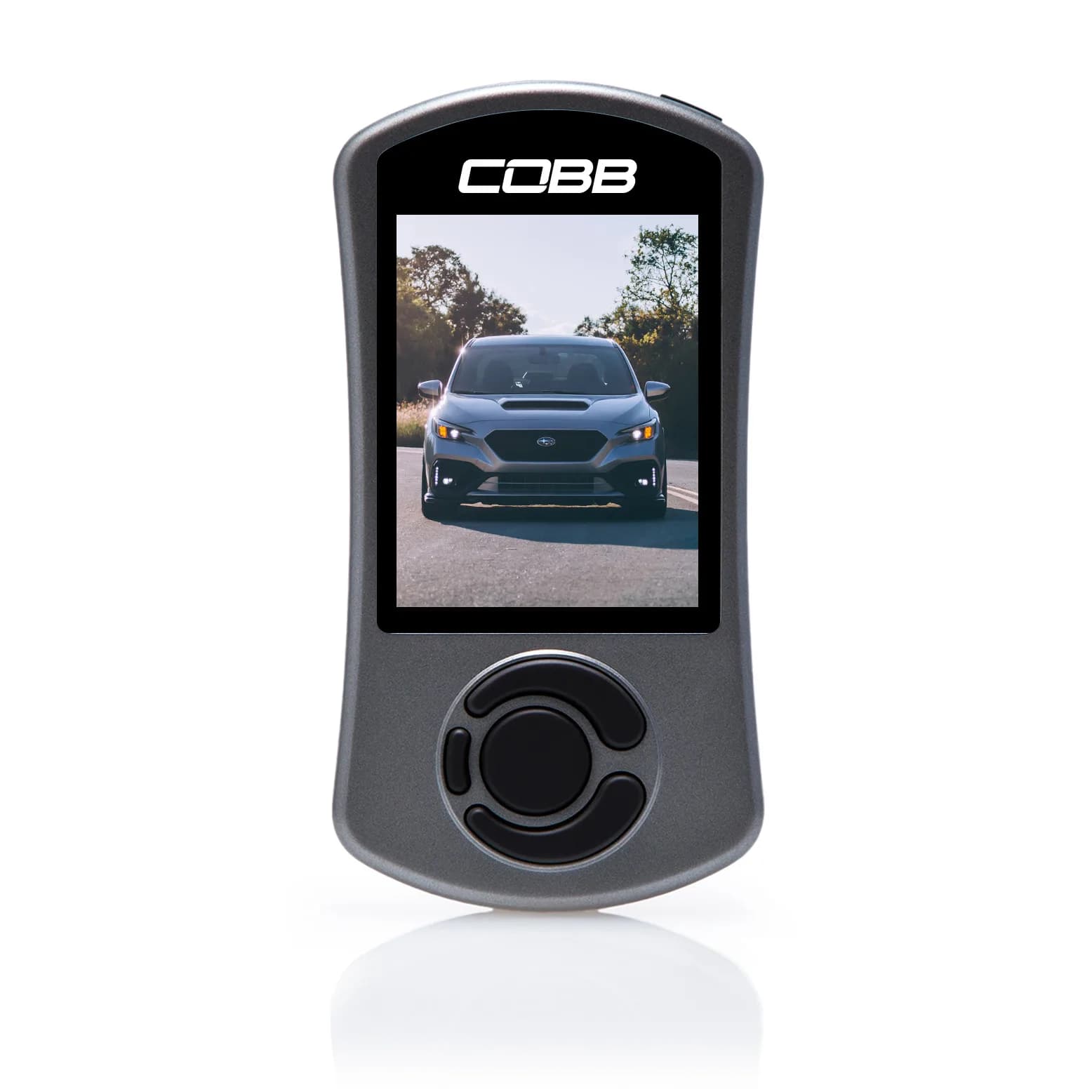
Before you install ATLAS or buy an adapter, uninstall the Accessport from the car. Uninstalling does two things. It returns the ECU to the factory map, and it releases the device from the vehicle it was married to. That second part is the one with money attached. The Accessport marries to a single VIN and stays married until uninstalled. A device left married to a car you have moved on from is a device you can no longer use or sell - which on a roughly $770 item is a meaningful amount to lose through sequencing. So the order is: uninstall, confirm the car is on its stock map, then start with ATLAS. This also gives you a genuinely clean starting point rather than building on top of whatever a previous flash left behind. Once uninstalled, decide deliberately what happens to the device. Sell it, keep it as a backup flashing method, or keep it purely for in-car gauges - all reasonable. What is not reasonable is leaving it in a drawer still married to the car, which is the default outcome when people skip this step.
What does not transfer
**Your maps.** Off-the-shelf maps are built for a specific platform and are not portable. If you were running a custom map from a tuner, ask whether they support ATLAS - many tuners work across multiple platforms, but the file itself does not simply move across. **Your gauge layouts.** You will rebuild these, and ATLAS's configurable gauge sets are a different system. **The handheld convenience.** This is the real loss and it is worth naming. Flashing in a car park without a laptop, glancing at a mounted screen for boost and knock, handing the device to a friend - all of that goes. ATLAS needs a laptop and an adapter. **What does transfer** is everything you actually learned. Your knowledge of your car, what hardware is on it, what your logs normally look like, what your knock behaviour is under load. That understanding is platform-independent and it is the most valuable thing you own. Also worth knowing: switching platforms does not erase anything from the ECU's perspective. It records that reflashes occurred regardless of which software performed them, and returning to stock removes the map rather than the history. The warranty conversation is unchanged by the switch.
Related Questions
Community FAQ
tuning
Can I switch from a COBB Accessport tune to ATLAS?
Yes. Uninstall the Accessport first to return the ECU to stock and release the device, then set up ATLAS from that clean starting point.
Read answer →
tuning
Do I need a COBB Accessport if I use ATLAS?
No. They are alternatives, not companions. ATLAS plus an OBD adapter does the reading, flashing and datalogging a handheld device would do.
Read answer →
tuning
Is ATLAS an alternative to the COBB Accessport for the WRX?
Yes, and a genuine one. ATLAS is free software plus a cheap adapter against a $770 handheld device. The trade is cost and capability against convenience and hand-holding.
Read answer →
tuning
What OBD adapter should I use with ATLAS on a 2022+ WRX, and can I use an OBDLink?
Yes, an OBDLink works, but it is slower. The OBDX Pro VX is the current fast wireless option, the Tactrix OpenPort 2.0 is the traditional choice but has been listed out of stock, and various ELM327 adapters work over serial.
Continue reading
Related Guides
tuning
ATLAS vs COBB Accessport
Free open-source software against a $770 handheld. The right answer depends entirely on what kind of owner you are.
Read guide →
tuning
ATLAS Tuning Guide for the 2022+ WRX
Free, open-source, and genuinely deep. The complete picture of what ATLAS does and who it suits.
Read guide →
tuning
How to Get Started With ATLAS
Install, connect, log, read, then flash - in that order, with the flash last for a reason.
Read guide →